
Doro Phones — Find & Compare
Doro Phone Reviews & Rankings
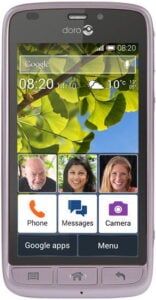
No editorial review yet. View full specs →

No editorial review yet. View full specs →
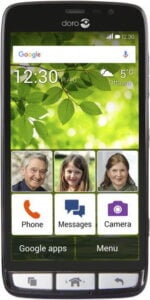
No editorial review yet. View full specs →

No editorial review yet. View full specs →
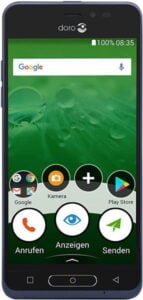
No editorial review yet. View full specs →

No editorial review yet. View full specs →

No editorial review yet. View full specs →
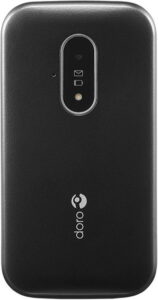
No editorial review yet. View full specs →
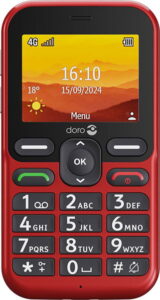
No editorial review yet. View full specs →
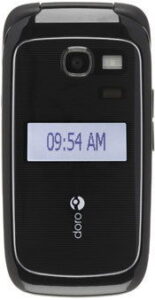
No editorial review yet. View full specs →
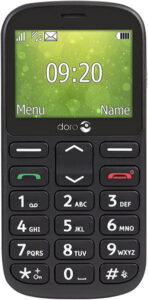
No editorial review yet. View full specs →
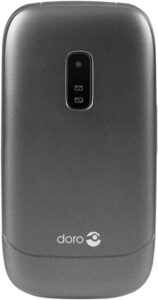
No editorial review yet. View full specs →
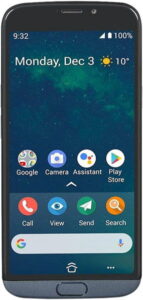
No editorial review yet. View full specs →
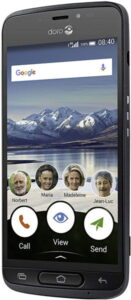
No editorial review yet. View full specs →
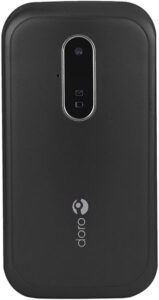
No editorial review yet. View full specs →
Popular phone comparisons
Head-to-head reviews for the most common matchups
About Doro
If your Doro phone won’t turn on, follow these steps: Charge for 30+ minutes. Use the original charger and cable. If the phone has been unused for months, it may need several hours or even overnight charging before showing any signs of life. Try a different charger. Test with another compatible charger to rule out a faulty cable or adapter. Remove and reinsert the battery (if removable). Take out the battery, wait 2-3 minutes, reinsert it, then plug in the charger. Force restart. Hold the power button and volume down button together for 30 seconds, even if the screen stays black. Check for charging indicators. Look for LED lights, vibration, or screen activity when plugged in. If there’s no response after extended charging, the battery may be degraded. Still not working? Contact Doro support or your retailer if the phone is under warranty. Phones that have been inactive for extended periods often require battery replacement.
Voicemail is controlled by your carrier, not your phone. To disable it: Try a deactivation code: Dial ##004# or ##002# and press call. In the UK, dial 1210 (dial 1211 to turn back on). Turn off call forwarding: Go to Menu → Settings → Calls → Call Divert. Select each option (when busy, unanswered, unreachable) and choose Deactivate. Contact your carrier: If codes don’t work, call customer service or manage voicemail through their app/website. Note: Codes vary by carrier and region. Some carriers don’t allow permanent voicemail deactivation. When disabled, callers can’t leave messages when you don’t answer.
Doro and related logos are trademarks of their respective owners. PhoneCompass is an independent publication and is not affiliated with or endorsed by Doro. All product names, logos, and brands are the property of their respective owners.
Questions & answers
Have a question about Doro phones? Ask it here — our community will answer.
Your name shows with your question.
✓ Question submitted — we'll notify you when someone answers.
We sent a verification link to . Click it to publish your question.
Can't find it? Check your spam folder.