
Huawei Phones — Find & Compare
Huawei Phone Reviews & Rankings

No editorial review yet. View full specs →

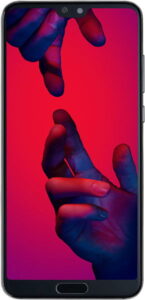
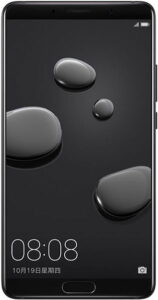
The Mate 20 Pro might not be Huawei’s cheapest phone but it’s one of the best. It provides an attractive package in terms of design, features, performance and camera capabilities.
No editorial review yet. View full specs →
No editorial review yet. View full specs →
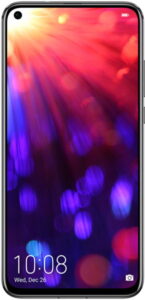
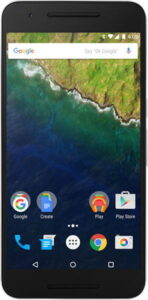
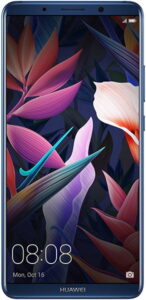
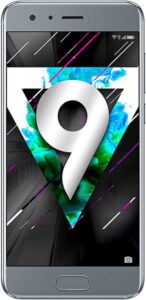
In terms of raw value, the Honor View 20 has plenty to offer as long as you can overlook the load of bloatware pre-installed on the phone and don’t need the absolute best camera available.

Honor’s latest release wowed reviewers. It’s a solid phone that pushes into flagship territory while sitting at a price well in the middle of mid-tier price lists. Unless you need the absolute best camera, there Honor 10 should be on your list to consider.

No editorial review yet. View full specs →
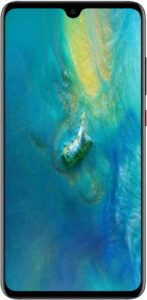
The Mate 20 provides an all-in-one package of sleek design, a beautiful display, great performance, and amazing battery life. While it cut features from the more expensive Mate 20 Pro, it is one of the better Android smartphones available on the market.

No editorial review yet. View full specs →

No editorial review yet. View full specs →
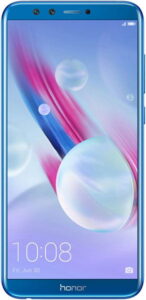
If you’re looking to play games or use your phone often, the Honor 9 Lite might not be up to the task. However, if you’re looking for a capable media streamer and a great camera for selfies and video chat, the phone offers an appealing package that looks great too.
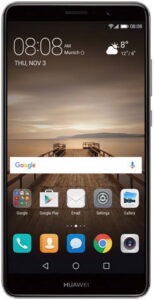
Popular phone comparisons
Head-to-head reviews for the most common matchups



About Huawei
To enable handwriting input on your Huawei phone: Go to Settings > System & updates > Language & input Tap Default keyboard and select your Huawei keyboard (Huawei Input Method or Celia Keyboard) Tap Input method or Keyboard settings Select Input language modes or Handwriting Add or enable handwriting for your preferred language To switch to handwriting while typing: Press and hold the spacebar or tap the language/keyboard icon on your keyboard Select the handwriting input option from the menu Troubleshooting: If handwriting mode isn’t available, verify your language supports handwriting input. Menu paths may vary by device model and EMUI/HarmonyOS version. For model-specific instructions, visit Huawei’s official support page.
Huawei and related logos are trademarks of their respective owners. PhoneCompass is an independent publication and is not affiliated with or endorsed by Huawei. All product names, logos, and brands are the property of their respective owners.
Questions & answers
Have a question about Huawei phones? Ask it here — our community will answer.
Your name shows with your question.
✓ Question submitted — we'll notify you when someone answers.
We sent a verification link to . Click it to publish your question.
Can't find it? Check your spam folder.