
Kyocera Phones — Find & Compare
While Kyocera is a ‘top dog’ in some consumer manufacturing circles, perhaps most notably its copiers, it’s a much quieter player in the cell phone business. Though their offerings may not grab headlines f…
Kyocera Phone Reviews & Rankings
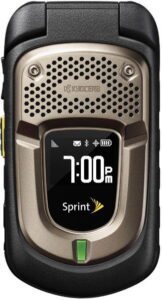
No editorial review yet. View full specs →
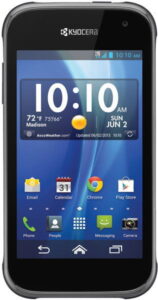
No editorial review yet. View full specs →
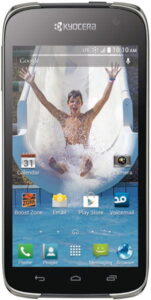
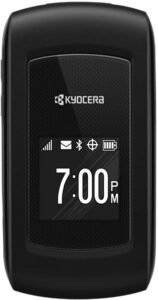
No editorial review yet. View full specs →
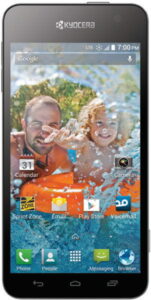
No editorial review yet. View full specs →
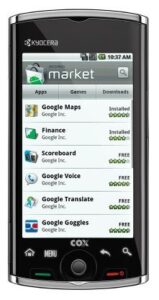
No editorial review yet. View full specs →
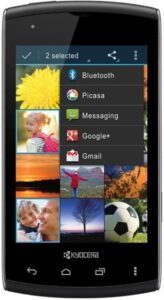
No editorial review yet. View full specs →
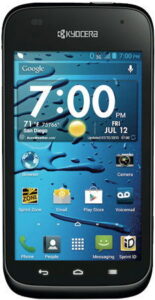
No editorial review yet. View full specs →
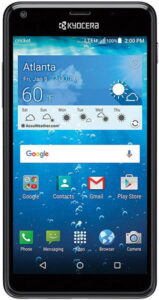
No editorial review yet. View full specs →
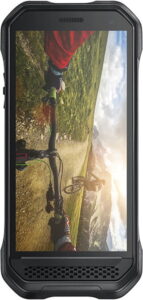
No editorial review yet. View full specs →
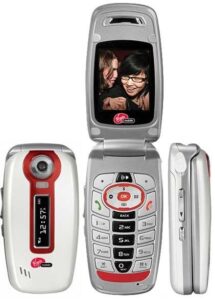
No editorial review yet. View full specs →
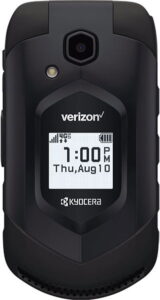
No editorial review yet. View full specs →
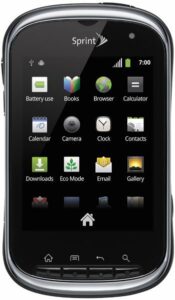
No editorial review yet. View full specs →
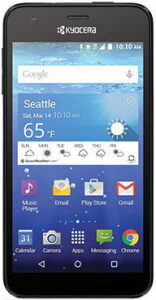
No editorial review yet. View full specs →
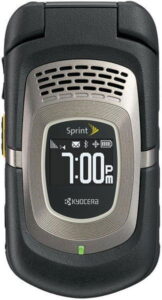
No editorial review yet. View full specs →
Popular phone comparisons
Head-to-head reviews for the most common matchups




About Kyocera
While Kyocera is a ‘top dog’ in some consumer manufacturing circles, perhaps most notably its copiers, it’s a much quieter player in the cell phone business. Though their offerings may not grab headlines for breakthrough technology, they are certainly a respectable line of well-made and reliable phones.
Kyocera was formed in 1959 and went on to become a very well regarded general consumer electronics manufacturer, but their cell phone business did not begin until early 2000 when they purchased the phone manufacturing unit of American company Qualcomm to form Kyocera Wireless.
With the exception of a handful of clamshell models and one swivel, all of Kyocera’s models are of a candy bar form factor and most are sold to CDMA carriers. Many of the models are entry level and a few offer a slightly more enhanced feature set.
If your Kyocera phone won’t turn on or the screen stays black, try these steps: Charge the phone: Plug it into a working charger for at least 15-30 minutes. A fully drained battery may need time before showing signs of life. Force restart: Press and hold the Power button and Volume Down button simultaneously for 10-15 seconds until the phone vibrates or restarts. Remove and reinsert components: While the phone is off, remove the SIM card, SD card, and battery (if removable). Wait 30 seconds, then reinsert everything and try turning it on. Check for hardware issues: Look for a charging indicator light. If the light appears but the phone won’t turn on, the issue may be hardware-related. If these steps don’t work, your phone may need professional repair. Contact Kyocera support or visit an authorized service center. Note that a factory reset will erase all data, so only attempt this as a last resort after backing up if possible.
Kyocera and related logos are trademarks of their respective owners. PhoneCompass is an independent publication and is not affiliated with or endorsed by Kyocera. All product names, logos, and brands are the property of their respective owners.
Questions & answers
Have a question about Kyocera phones? Ask it here — our community will answer.
Your name shows with your question.
✓ Question submitted — we'll notify you when someone answers.
We sent a verification link to . Click it to publish your question.
Can't find it? Check your spam folder.