
Xiaomi Phones — Find & Compare
Xiaomi Phone Reviews & Rankings
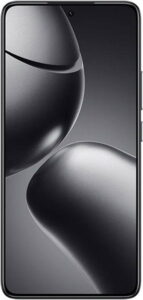
A solid choice for those seeking performance, vibrant display, and good battery life at a reasonable price.
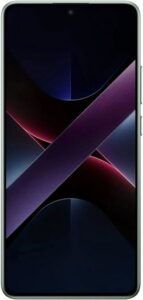
The phone brings impressive performance and features for its price, despite a few software issues.
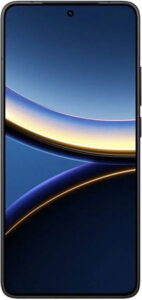
A balanced device offering a solid mix of performance, design, and lasting battery life for everyday use.
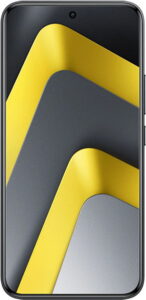
No editorial review yet. View full specs →
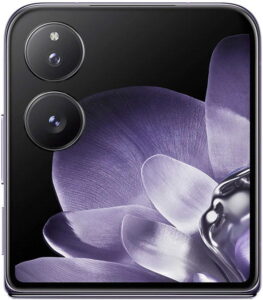
The design is elegant with a practical form, but it lacks durability with no water resistance.

No editorial review yet. View full specs →
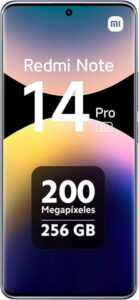
A solid mid-range phone offering great value with a sharp display and good main camera that performs well in daily activities.

A balanced smartphone offers stylish design and long battery life, but with moderate performance.

No editorial review yet. View full specs →

A visually striking device that surprises with fast charging and a standout main camera.

A solid option with its feature-rich and budget-friendly approach, yet lags slightly behind in raw performance and gaming capabilities.
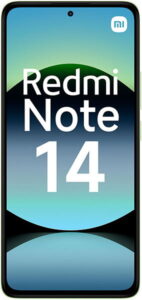
No editorial review yet. View full specs →
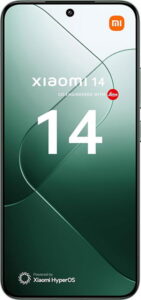
No editorial review yet. View full specs →

This phone excels with top-tier camera capabilities but struggles with practicality due to its cumbersome size and cost.

No editorial review yet. View full specs →
Popular phone comparisons
Head-to-head reviews for the most common matchups

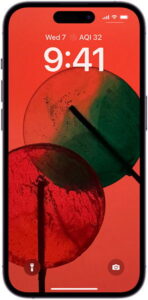
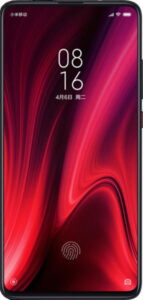

About Xiaomi
This message means your Contacts app is syncing with cloud accounts (Google, Mi Cloud) or rebuilding its internal index. Usually it finishes on its own, but sometimes the process gets stuck—especially if you have many contacts or a slow internet connection. Quick Fixes (Try in Order) Restart your phone. This often resolves temporary sync issues. Go to Contacts > Menu (3 dots) > Settings > More > Rebuild Index Data. Wait for the process to complete—this can take 15-20+ minutes depending on how many contacts you have. Check Settings > Accounts and verify that Google and Mi Cloud sync are enabled. Toggle sync off and back on if needed. Go to Settings > Apps > Contacts > Storage > Clear Data, then restart your phone. (Backup your contacts first if possible.) If Issues Persist Ensure your Contacts app has permission to access your contacts and storage. Update both your system software and Contacts app to the latest version. If the problem continues, remove and re-add your Google or Mi Account, or contact Xiaomi support. This issue affects most Redmi and Xiaomi phones running MIUI, not just the Redmi 5S. RetryClaude can make mistakes. Please double-check responses.
Xiaomi and related logos are trademarks of their respective owners. PhoneCompass is an independent publication and is not affiliated with or endorsed by Xiaomi. All product names, logos, and brands are the property of their respective owners.
Questions & answers
Have a question about Xiaomi phones? Ask it here — our community will answer.
Your name shows with your question.
✓ Question submitted — we'll notify you when someone answers.
We sent a verification link to . Click it to publish your question.
Can't find it? Check your spam folder.