
A picture might be worth a thousand words, but there are times when you need a couple extra to get your message across. Luckily, you no longer need access to expensive software like Photoshop to help you.
Here are the five best apps to easily add beautiful text to your iPhone photos.
Over


Over allows you to place text over images you select from your camera roll or take within the app. The interface of this app is sleek and easy to use. If you can’t find the font you want, you can upload an unlimited amount of fonts to the app.
There’s also some basic photo editing features in Over like cropping and adjusting picture alignment. Once you’ve completed your image, you can quickly share it on via email or social media sites with a single touch of a button.
Price: $1.99
Get it from: iTunes
Typic+ Fonts and Design

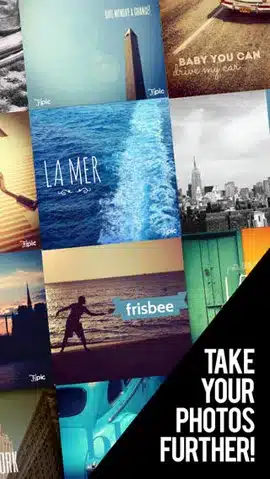
Typic is perhaps the most acclaimed text app on the market. It has been featured in the app store and has been ranked the number one photo and video app in 56 different countries. The app offers a variety of ways to customize your photos from the font styles to actual design elements.
The interface itself is simple and intuitive and allows you to take a new picture or use an image in your camera roll. From there, the app takes allows you to choose different filters, fonts styles and colors, effects and sharing options.
Price: $0.99
Get it from: iTunes
Rhonna Designs
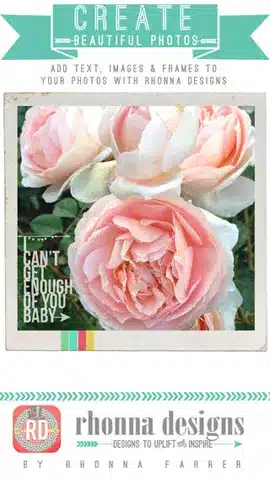
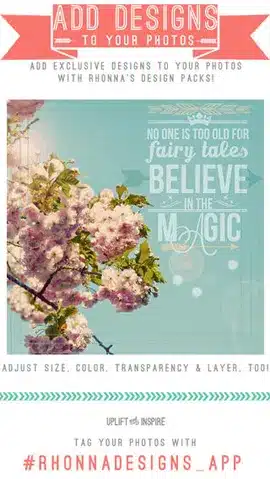
Whether you’re posting images on Instagram or sending them to your family, Rhonna Designs offers plenty of customization. You can adjust the transparency, color, shadows, outlines and more while creating with the text and design feature. You can also add masks to any photo using one of the many designs the app offers.
In addition, the app also has some stock backgrounds so that you can create your own memes and motivational images. You can also purchase other packages for more designs and fonts. The same kits and designs are available for your laptop or PC.
Price: $1.99
Get it from: iTunes
Font Candy
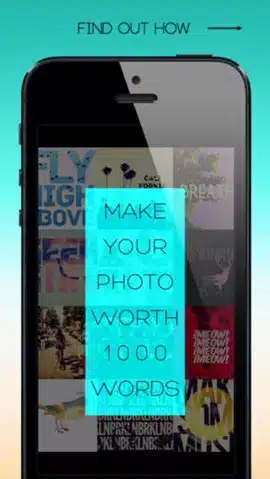
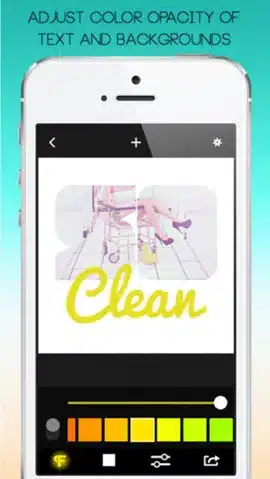
If you’re looking for something that will make your photos pop, Font Candy might be the app for you. Instead of just having standard text on your photos, Font Candy allows you to mask your photos with captions or overlay images with texts. You can have multiple captions on your photos and manipulate each one to really make your images stand out.
In addition, the app comes with a timer, perfect for those “selfie” pictures. Best of all? It’s free!
Price: Free
Get it from: iTunes
Phonto

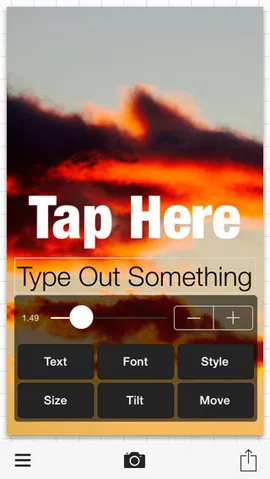
Phonto is a simple text app that offers over 200 different fonts and also allows you to upload your own fonts. It’s great for adding text to images, creating captions or even adding photo credits.
There is little in the way of actual photo editing, however, you can add different shapes for your text boxes and even adjust the transparency of the text and text box. It’s also free!
Price: Free
Get it from: iTunes
Verdict
In only a matter of seconds, you can create unique images from your camera roll be they motivational or funny.
Whatever your need, you should definitely add one of these beautiful typorgraphy apps to your iphoneography arsenal.


Nice list of apps. I'm really glad you mentioned Rhonna Designs, it's one of the most entertaining typography apps.
As an iPhone photo editor, I also use and recommend PhotoMarks.
It’s an app that allows you to add customizable text and logo marks to your photos, really useful for content protection and branding on social media.