


ZTE Maven 3
Key specs
Watch before you decide


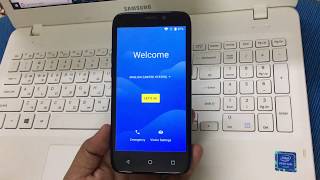
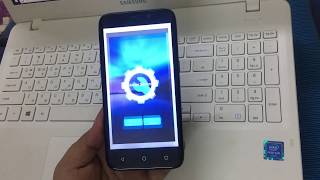


What people say
Only a few ratings so far, not enough to show a trend yet.
1 rating so far
A great many of the functions I had on my 2, like forwarding text msgs to email, are gone.I get my face any where the screen and it starts apps and resets options including things like mute when I'm in the middle of work related call.Piece of junk. Don't waste your money.And do NOT use my email t...
Overview
Software & Support
Display
Secondary Display
Camera — Main
Camera — Front
Camera — Scores
Performance
Battery
Connectivity
Cellular
Design & Build
Audio
Input & Navigation
Safety
More
Specifications are sourced from manufacturers and third-party databases and may contain errors. Suggest a correction →
What people actually want to know
When was the ZTE Maven 3 released?
The ZTE Maven 3 was released on August 25, 2017.
How long does the battery last on the ZTE Maven 3?
The ZTE Maven 3 has a 2,070 mAh battery.
Does the ZTE Maven 3 support wireless charging?
No, the ZTE Maven 3 does not support wireless charging.
Does the ZTE Maven 3 have a headphone jack?
Yes, the ZTE Maven 3 has a 3.5mm headphone jack.
Does the ZTE Maven 3 have NFC?
No, the ZTE Maven 3 does not have NFC. Contactless payments and tap-to-pair will not be available.
Where can I download the ZTE Maven 3 manual?
You can view and download the ZTE Maven 3 manual on our dedicated manual page.
Questions & answers
✓ Question submitted. We'll notify you when someone answers.
We sent a verification link to . Click it to publish your question.
Can't find it? Check your spam folder.
Finish the security check above to post your question.
Your name shows with your question.
How it compares


New phones, honest scores.
One email when something worth knowing changes. No deal spam, no filler.
Open Settings > Mobile Networks > touch Mobile Data switch to enable or disable it.
You can also easily turn cellular data on/off by pulling the notification bar, you should see there quick action panel which includes Mobile data, simply tap it to turn it on/off (a lighted icon means it is enabled).